




AI chatbot
A chatbot that speaks from your own content and hands over what it cannot solve
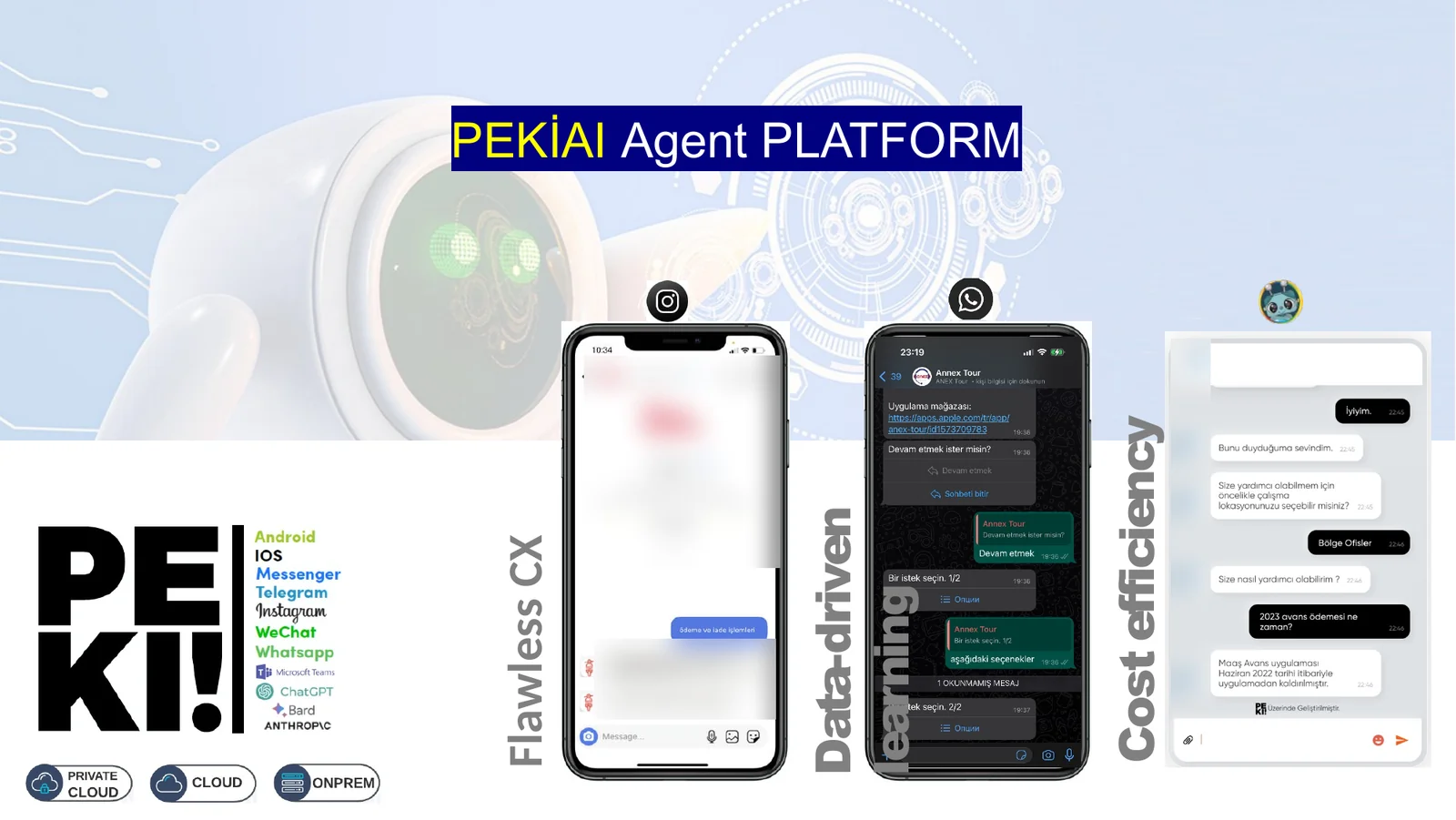
Peki is a chatbot platform that answers written questions arriving on your website and messaging channels with AI. It builds its answers from the documents your organisation uploads and the task instructions your organisation writes; it connects to your systems for actions such as order lookup; and when a topic needs a person, it hands the conversation to live chat together with the message history.
No coding is required. The bot is set up from the admin panel: content is uploaded, behaviour rules are written in plain language, channels are connected. The same bot runs with the same knowledge on the website, WhatsApp, Instagram, Messenger and Telegram. Peki is in use today by organisations in tourism, financial technology and municipal services.
Channels
Website widget
Facebook Messenger
Telegram
Developer API
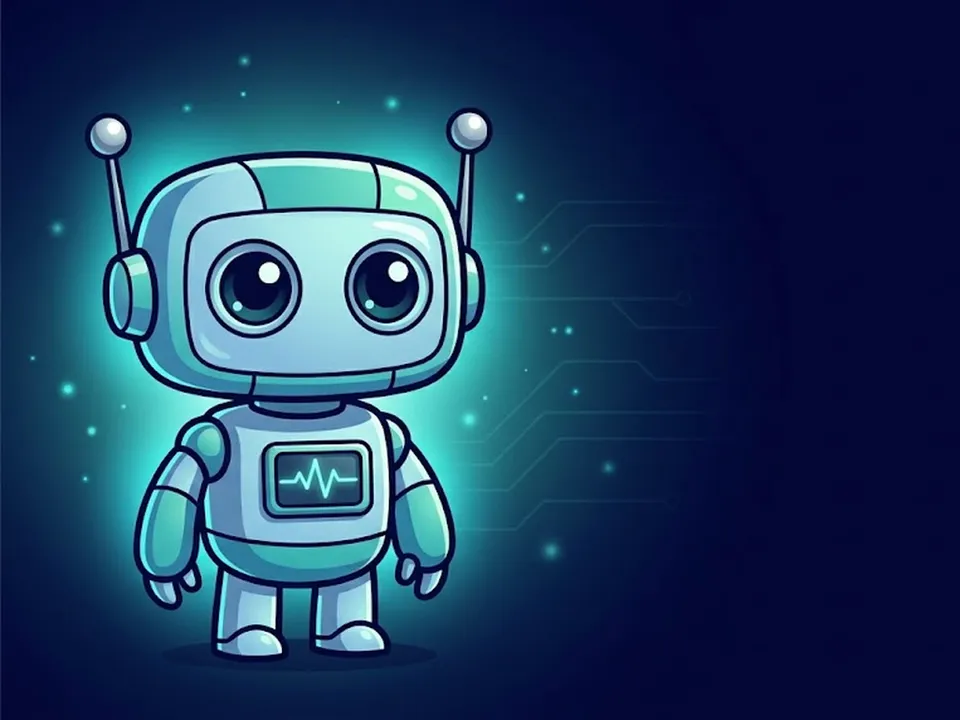
In Brief
Tecmony Peki is a chatbot platform that uses artificial intelligence to handle written questions received through your website and messaging channels. It generates its answers from documents uploaded and task definitions written by the organisation, connects to the organisation’s systems for operations such as order enquiries, and transfers the conversation and its message history to live chat when the matter requires an agent.
- Whose product: It is a product developed by Tecmony and operated by Tecmony as a cloud service.
- Intended Users: Customer service and help desks, tourism, e-commerce, financial services, public institutions and municipalities, and contact centre operators.
- Channels: Website widget, WhatsApp (via Gupshup or 360dialog), Instagram, Facebook Messenger, Telegram and developer API. It operates only on written channels.
- Integrations: It connects to the organisation’s systems through HTTP and email functions; a ready-made live agent connector is available for Voyce and Voiscope. The language model is selected separately for each bot: OpenAI, Anthropic Claude, DeepSeek or the organisation’s own endpoint.
- KVKK and Compliance: The conversation text is sent to the language model provider selected by the organisation; the privacy notice and consent text are included in the bot’s opening flow. Document-based response generation is audited under ISO/IEC 42001. On-premise deployment is not available.
Last updated:
Who it is for
Teams that answer the same questions hundreds of times a day
Peki’s job is as much to recognise which questions are not its own as to answer them. Routine ends in the bot; the rest goes to an agent with its history.
Customer service and help desk
FAQs, service and product information, ticket creation and status lookup are handled by the bot 24/7. Agents see only the conversations the bot hands over.
Tourism and reservations
Tour, hotel and travel questions are handled in several languages; channel buttons open different chats per country. Anything needing reservation details goes to a live agent.
E-commerce and orders
The bot connects to the order system to look up order and shipment status; requests that need action, such as invoices or returns, are logged.
Financial services
Product and application information is answered from documents; transactions that need identity verification are routed to the organisation’s own channel.
Public sector and municipalities
Citizen questions, application steps and service information come from one knowledge base; requests are handed to the relevant unit.
Contact centre operators
The bot sits in front of the contact centre platform’s live chat channel; it filters routine questions and leaves the rest in the queue with the message history.
Capabilities
A bot managed from the panel and shaped by the organisation
These are features running on the platform today; each is configured from the admin panel.
Document-based answers
Answers rest on the documents the organisation uploads. Upload a price list, product guide, FAQ or regulation text and the bot speaks from that content.
- PDF, DOCX, CSV and TXT
- The three most relevant document chunks are found for every question
Selectable language model
The model is chosen per bot: the OpenAI GPT-4o and GPT-4.1 family, Anthropic Claude or DeepSeek. The organisation’s own model endpoint can also be connected. The cost-quality balance is left to the organisation.
Functions
HTTP and email functions are defined; the bot collects the required fields from the visitor, sends them to your service and answers from the returned result using a template. Ticket creation, order lookup and form filling work this way.
Rich messages
Quick-reply buttons, link buttons, location and contact cards, carousels of 2-10 items, media headers. Visitors can also send files: image, video, audio, PDF and office documents.
Handover to a live agent
The bot passes the conversation to the chosen queue with its history; agent messages, typing indicators and session close flow both ways. Ready-made connectors exist for Voyce and Voiscope; other live chat systems connect through the API.
Analytics and session analysis
Conversations are reported by channel, sentiment, outcome, category, language and tokens consumed. For every closed session, subject, summary, outcome, score and tags are generated automatically.
Conversation logs
Every exchange is logged with function calls, response time and cost. Misrouted conversations are spotted here and the task instructions corrected accordingly.
Branding
The widget’s title, icon, logo, background and primary colour follow the organisation; light, dark and system themes are available. The welcome message and suggested topic chips are written in the panel.
Roles and developer API
Owner, admin and editor roles are defined per bot. A signed REST API lets your own applications talk to the bot; the web widget recognises an authenticated user by name and customer data.
How it works
The visitor asks, Peki checks the knowledge base, and hands over when needed
Setup takes five steps; you do not start from scratch, and the bot is not expected to know everything on day one.
- Upload contentPDF, DOCX, CSV and TXT documents are uploaded to the panel. Peki splits them into chunks and converts them to meaning vectors; for every question the closest chunks are found and used as the basis of the answer.
- Write the tasksWho the bot is, which topics it covers, what it must not do and when it hands over are written as task instructions in plain language. No intent classes or flow diagrams are needed.
- Connect systemsThrough HTTP functions the bot queries your services: order, shipment, ticket status. It asks the visitor for the required details itself.
- Open channelsThe web widget is added to the site with one line of code. WhatsApp, Instagram, Messenger and Telegram are connected from the panel; the same bot runs on all of them.
- Hand over and improveWhen the bot is unsure or the topic needs authority, it hands the conversation to the live agent queue with its history. The analytics screen shows which topics arrive and where the bot gets stuck.
Screens
What the visitor sees and what the admin sees
Screens are taken from the demo bot; the organisation name and content are sample data.
Web widget
A chat in the organisation’s colours that opens with suggested topics
The widget opens in the corner of the page; the welcome message and suggested topic chips are written by the organisation. Answers can arrive as quick-reply buttons, links or carousels; visitors can attach files.
- Identity: a signed-in user is recognised by name and customer data
- Protection: Cloudflare Turnstile against bot traffic
Tasks and functions
Bot behaviour is written in plain language; system links are defined in a form
The Tasks tab holds the bot’s role, limits and handover conditions. The Functions screen defines the HTTP endpoint, the fields to collect and the response template; the bot asks the visitor for those fields itself.
- Model choice: per bot, on the same screen
- Documents: uploaded files and their processing status
How it works
Language understanding, business rules and system links in one flow.
Whichever channel a message arrives on, the same bot answers it; it builds the answer from the organisation’s documents and task instructions, calls the organisation’s systems when needed, or hands over to an agent.
- ChannelsWebsite widget · WhatsApp · Instagram · Facebook Messenger · Telegram · Developer API
- Task instructionsThe bot’s role, limits and handover conditions are written in plain language; no code needed
- Knowledge baseUploaded PDF, Word, Excel, HTML and Markdown documents are searched by meaning; answers are based on them
- Language modelThe model is chosen per bot; the organisation’s own AI service can be connected instead
- Functions and handoverHTTP calls to the organisation’s systems and e-mail; what the bot cannot solve goes to a live agent with the conversation history
- One bot
- the same knowledge on every channel
- No code
- tasks and functions set up in forms
- Handover
- to an agent, with the history
- Reports
- by channel, sentiment, outcome and language
Analytics
Which topics arrive, where the bot gets stuck
The analytics screen shows conversations as distributions by channel, sentiment, outcome, category and language, narrowed by date. Each closed session’s summary, score and tags sit in the conversation logs.
The role of AI
The organisation draws the boundary; the bot speaks inside it
In Peki the AI is a generative language model, but what it says is determined by the documents the organisation uploads and the task instructions it writes.
Rather than inventing information that is not in the documents, the bot is steered to hand over; which topics go straight to an agent is written in the task instructions. Every session is analysed automatically after it closes, misrouted conversations are visible in the logs and the instructions are corrected. The learning loop stays under the organisation’s control. Document-based answer generation is one of the AI components audited under Tecmony’s ISO/IEC 42001 scope; intended use, foreseeable misuse and ethical risks are defined and monitoring is in place. Details: AI Management System Policy.
Data and privacy: what to know
- Peki is a cloud service; the panel, widget and API are operated by Tecmony
- Conversation text is sent to the language model provider the organisation selects (OpenAI, Anthropic, or others via OpenRouter) to generate answers
- The privacy notice and consent text are written into the bot’s opening flow; not proceeding without consent is enforced in the task instructions
- Developer API calls are signed; each bot has its own access list
What Peki does not do
- Visual flow builder; behaviour is set with task instructions and functions
- Voice assistant; it works on text channels, see Voyce IVR for voice
- Its own agent inbox; handed-over conversations are handled in the organisation’s live chat system
- Direct connection to Meta’s WhatsApp Cloud API; WhatsApp is set up through Gupshup or 360dialog
- On-premise installation
Works with
Related products
Peki runs on top of your customer communication infrastructure; it is deployed alongside the following.
WhatsApp Products
Tell the four products apart before choosing the WhatsApp infrastructure Peki will connect to.
Contact Center Solutions
Where a handed-over conversation lands: the Voyce, Alotech and 3CX comparison.
WADesk
Turns your WhatsApp numbers into a multi-agent desk; Peki can connect to those numbers.
Frequently asked
Questions asked before deciding
For a question not covered here, write to us; we will add the answer.
Does the bot work from our own data?
Yes. Answers rest on the documents the organisation uploads and the task instructions it writes. For every question the bot finds the most relevant document chunks and bases the answer on them. Handing over instead of inventing, for topics not in the documents, is set in the task instructions.
What happens if the bot gives a wrong answer?
Every conversation is logged with its function calls and answers; closed sessions are analysed and scored automatically. Misrouted conversations are visible in the logs, and the instructions or documents are corrected. Critical topics are set to go straight to an agent; final responsibility stays with a person.
Which channels does it work on?
The website widget, WhatsApp, Instagram, Facebook Messenger and Telegram. The same bot and the same content apply to all of them. Your own application connects through the developer API. On WhatsApp, the Gupshup or 360dialog provider is used.
When does it hand a conversation to a person?
In two cases: when the bot cannot find an answer, or when the topic needs authority. The organisation sets the handover points in the task instructions. The conversation is passed to the chosen queue with the history so far; the customer does not repeat themselves. Ready-made connectors exist for Voyce and Voiscope; other live chat systems connect through the API.
Can it perform actions such as orders or tickets?
Yes. Through HTTP functions the bot queries your service or creates a record. It asks the visitor for the required fields (order number, phone, email) itself and writes the result from a template. Ticket creation, lookup and closure, and order and shipment tracking are examples built this way.
Which languages does it speak?
The bot answers in the language the visitor writes; the session language is detected automatically and reported. The panel and widget interface are in Turkish and English. In a multilingual tourism deployment, channel buttons open separate chats per country version.
How long does it take to go live?
Technical setup is short: an account is opened, documents are uploaded, the web widget is added to the site with one line. The timeline is set by the content work and the number of systems to connect. The fastest route is to launch with a narrow set of the most common questions and expand by reviewing real conversations.
Try your demo bot with your own documents
We open an account in the panel, grant access to the demo bot we prepare for you and share the user guide. Upload your own documents and test it with real questions.
Or reach us directly: +90 (216) 912 00 79[email protected]