


WhatsApp products · Linked device
A multi-agent WhatsApp desk for your company numbers
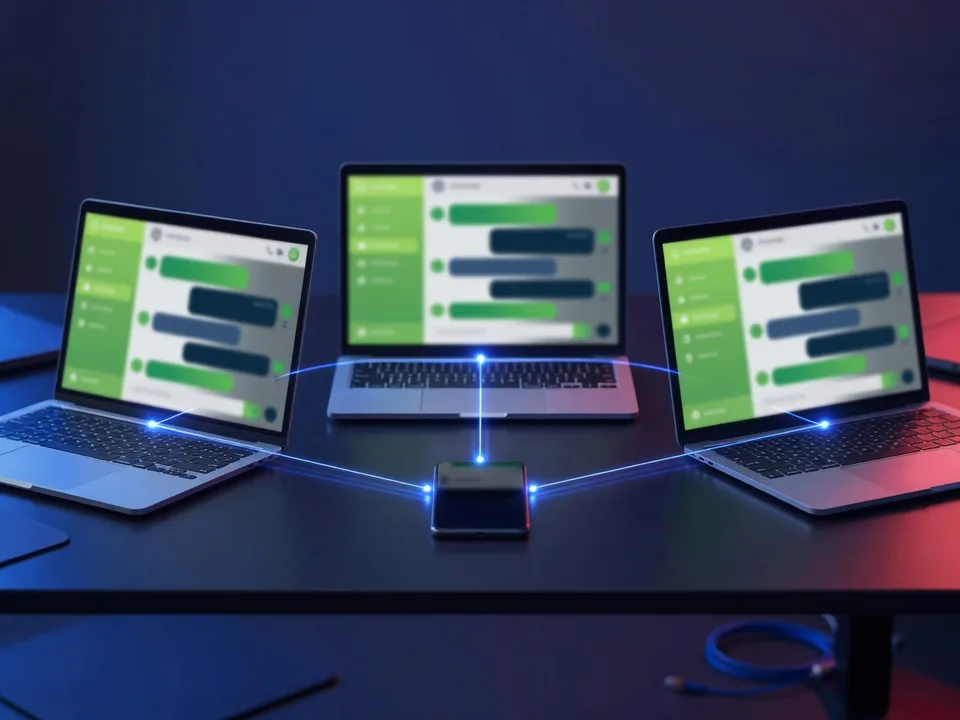
WADesk turns your company’s WhatsApp numbers into a customer desk shared by several agents. Many agents connect to one number, each incoming customer is assigned to an agent, and a supervisor sees all the traffic and steps into a conversation when needed. The conversation stays with the company, not on the agent’s phone.
Setup needs no paperwork and no approval. The number is connected to the panel through the Linked devices step in the phone’s WhatsApp and is live within 15 minutes. The risk that comes with this route is written on this page as well, without hiding it.
Who it is for
Any team whose conversations live on phones
It helps wherever WhatsApp conversations with customers sit on agents’ own phones and nobody else in the company can see them. Three typical cases:
Field and retail sales teams
A customer conversation run from an agent’s pocket is outside the company’s view and disappears when the person leaves. WADesk records the same team without taking their phones away.
Dealer and branch networks
Hundreds of numbers are registered under one organisation; a single number or a standard block of numbers is distributed from the centre to agents.
Corporate customer service
Customers who write to one company number are assigned to agents, conversations are tagged and rerouted when necessary. The supervisor watches the traffic and intervenes when needed.
Capabilities
What can you do with WADesk?
From the agent’s screen to the supervisor’s report, every step of answering customers who write on WhatsApp in one panel.
One place for every conversation
See, review and manage all messaging across your company, team or community. Users you have not authorised cannot see those conversations.
One number, many agents
You do not have to hand out numbers. Use a single number and assign the customers who write to it to your agents. Additional numbers can be assigned to an agent if required.
Migrate without disruption
An operation already running on GSM numbers is registered as it is. Users may keep writing from their phones; WADesk records all of it. You do not need to issue phones or lines to the team.
A record that survives deletion
Even if a conversation is deleted from the handset, it is not deleted from the system. The history stays with the company.
Step in, tag, reroute
See what users are writing, join a conversation, tag messages and route a customer to a different agent.
Organisation management at scale
Hundreds of numbers are registered under one organisation; a single number or a block of numbers is distributed from central administration to agents.
Search across history
Search the full body of conversations and reach past records quickly.
Response-time rerouting
A customer left unanswered beyond the response time you define is routed to another agent.
Continuity when people leave
When an agent leaves, the whole relationship is handed to someone else, or those customers are distributed across agent groups.
Campaign and agent reports
The number of conversations distributed and agent performance data are reported. A different report is designed on request.
Role-based read receipts
There are three roles: Admin, Supervisor and Agent. A read receipt reaches the customer only when the Agent role opens the message; the other roles follow the conversation without sending one.
Chatbot and AI connection
Numbers connect to the Peki chatbot, so routine requests are handled automatically and escalated to an agent when needed. Through an integration with Voyce, conversation scripts can be checked by AI and alerts and automations triggered.
How it works
Four steps from number registration to QR
No QR connection is made before the number is verified, and the service agreement is signed before that step.
- Number registrationYou tell Tecmony the numbers you will use for reception. The number must be able to receive a call or an SMS.
- VerificationOur team sends a call or an SMS to the number; you pass the verification code back to us. That proves the number is yours.
- Account openingYour username and password are shared. You sign in with the Admin, Supervisor and Agent roles; the setup video arrives with the welcome email.
- QR approvalThrough Settings › Linked devices › Link a device in the phone’s WhatsApp, the QR shown in the panel is scanned and the number is connected. The team starts messaging the same day.
Screens
We show the product as it is
Screenshots are taken from the live environment; customer data is masked.
Inbox
Incoming customers land on an agent; the supervisor sees everything
Customers writing to the number and the assigned agent on the left, the conversation on the right. The supervisor joins a conversation, tags messages and hands a customer to another agent.
Numbers and team
One number, many agents; or distribution in blocks
Numbers are listed under the organisation; for each number you see which agents are connected and the QR connection state. A number whose link has dropped shows up here.
Reports
Conversations distributed and agent performance
Campaign-based and agent-based reports are available: the number of conversations distributed and agent performance data. If a specific report is needed, it is designed as additional work according to the detail requested.
In numbers
The scale of the setup
15 min
Time to go live once the number is connectedSource: WADesk setup guide, 2026-02
3
Roles: Admin, Supervisor, AgentSource: WADesk setup guide, 2026-02
10 days
Standard demo periodSource: Tecmony demo terms, 2026-03
Limits
What WADesk does not do, and what you should know
The limits of the linked-device route come before the product itself. All of them are written here; make your purchase decision knowing them.
- It is not the official WhatsApp Business API. The number works by linking a device’s WhatsApp account. No verified business badge is granted; customers see the number’s own profile.
- WhatsApp may restrict or close the number. Clause 7 of our service agreement says exactly that: WhatsApp may restrict the number under its own policies, and the customer chooses the service knowing this risk. Bulk and unsolicited sending raises the risk considerably. Tecmony cannot be held responsible for a restriction Meta applies to a number.
- If the link drops, the QR is scanned again. If the session ends on the phone, the panel can neither receive nor send; the number’s owner has to scan the QR again.
- Marking a message as unread is not in the standard package. Read receipts are handled per role; showing an already-read message as unread is a separate development request.
- It does not collect consent. To start a message to someone, that person must have given prior consent naming your business; collecting it, and its legal compliance, is the customer’s responsibility.
- It is not a channel for sensitive data. Payment card numbers, financial account details and national ID numbers must not be shared over it, nor requested from customers.
Frequently asked
Questions people ask before deciding
For a question that is not here, write to us. If another route fits better: WASMS to send programmatically from your own systems, WaSend for approved-template campaigns, WAGEM for a read-only archive. The comparison is on the WhatsApp Products page.
Do we need a WhatsApp Business account?
No. WADesk works on the linked-device (QR) route: your existing number is connected to the panel through the Linked devices step on the phone. There is no Meta approval and no paperwork; setup completes within 15 minutes. Organisations that want the official API identity and the verified badge have WaSend.
Can we use our existing GSM numbers?
Yes. If you already run an operation on GSM numbers, those numbers are registered in the system. Users may keep writing from their own phones if they wish, and every conversation is still recorded. You do not need to issue phones or lines to the team.
How many agents can connect to one number?
More than one. You can use a single number and assign the customers who write to it to your agents. If required, additional numbers are assigned to an agent, or several agents connect to the same number.
Can WhatsApp close our number?
Yes, that possibility exists and it is written in our service agreement. On the linked-device route WhatsApp may restrict or close the number under its own policies; bulk and unsolicited sending raises the risk. Using the product for customer service and permission-based conversations keeps the risk low; for campaign work, look at WaSend on the official API route.
Can we get a demo?
Yes. The standard demo period is 10 days; the login details, a short introduction and the setup video arrive by email. The demo environment offers the general experience of existing features; customer-specific developments are taken up once live use is planned.
What is the service term?
The WADesk service is provided in six-month terms and renewed at the end of each term. Pricing is stated in the proposal by number of agents.
Does it connect to a chatbot or AI?
Yes. Numbers can be connected to the Peki chatbot, so routine requests are handled automatically and escalated to the right agent when needed. Through an integration with Voyce, conversation scripts can be checked by AI and automatic alerts and automation processes triggered.
Try WADesk for 10 days
Register your number; after verification and the QR connection, your team starts messaging the same day.
Or reach us directly: +90 (216) 912 00 79[email protected]